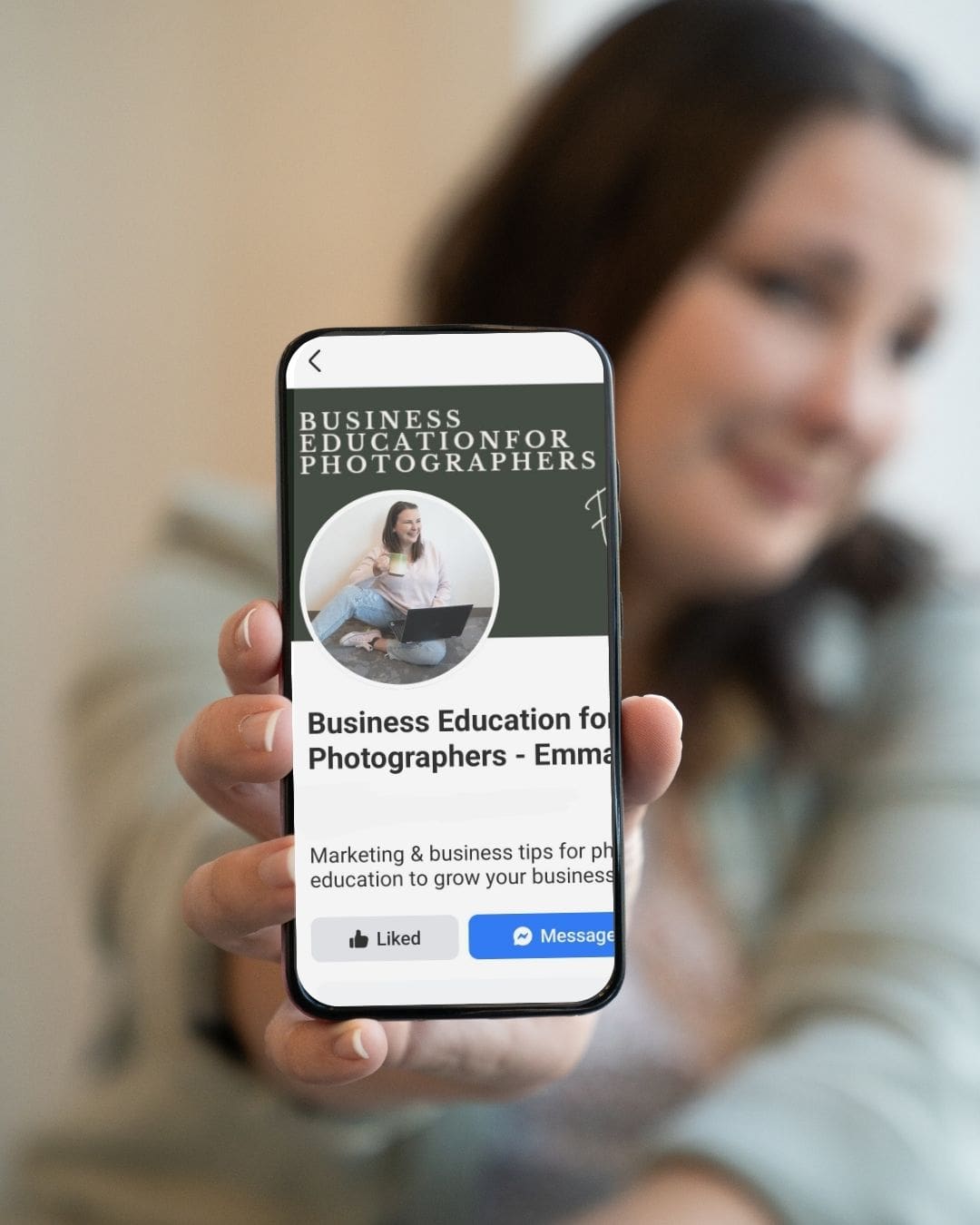


Hey there, I’m Emma — your friendly neighborhood photographer-turned-business-nerd.
If you’ve ever wondered why your Facebook Business Page is quieter than your camera bag in January, we need to talk. I help photographers make their online presence actually work for them instead of sitting in digital purgatory gathering cobwebs. So lets talk about how to set up your facebook for photographers!
Last time we talked about tracking leads from Facebook groups so you could stop wondering where your clients come from and start actually booking them. But today? We’re going full-on Marie Kondo on your Facebook Business Page. Because if your page doesn’t make it crystal clear who you are, what you do, and how to contact you, you’re basically playing hide-and-seek with your own clients… and they’re winning.
Claim Your Digital Real Estate
The first step to making your Facebook business page look legit is claiming your custom username. No one wants to type in facebook.com/EmmaMalesPhotography4829834753. Make it short, memorable, and branded:
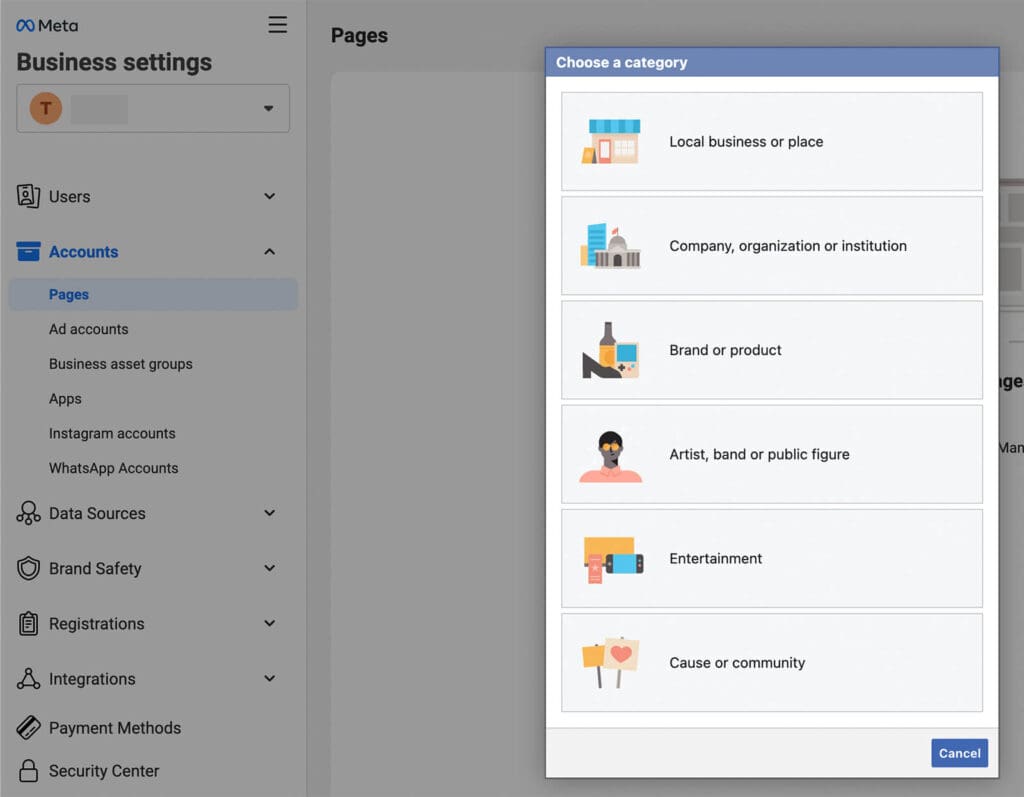
facebook.com/EmmaMalesPhotoVA → chef’s kiss. While you’re at it, pick the correct business category. Don’t overthink it — if you’re a photographer, be a photographer. If you’re a dog bakery (bless you), don’t accidentally pick “Public Figure” unless you’re planning to run for mayor.
Branding Like a Pro
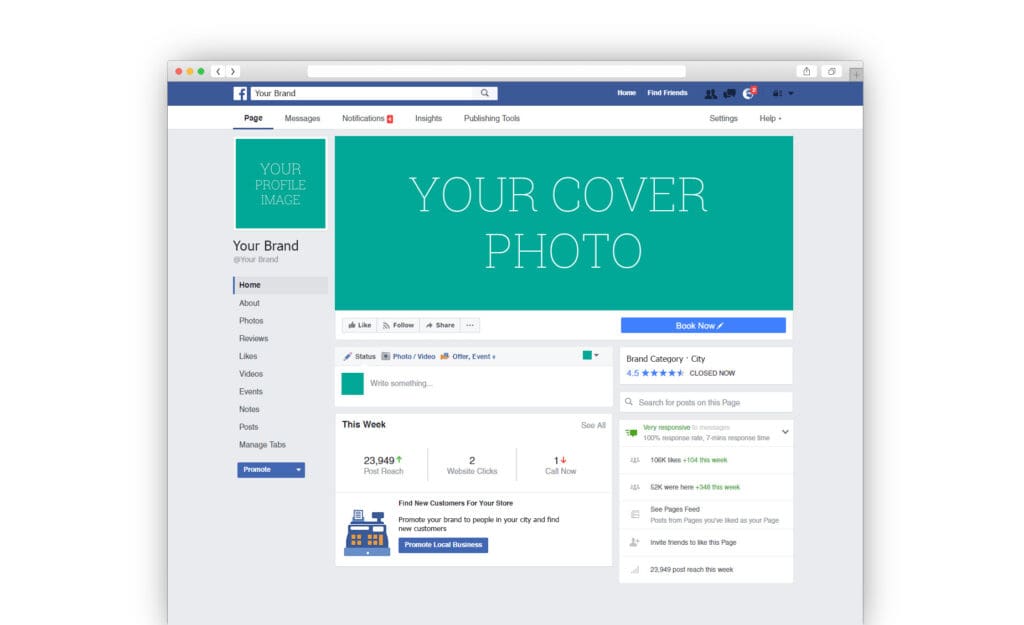
Your profile picture should be your logo or a clean, professional headshot. If your current one is from that wedding you went to in 2018 where you’re holding a champagne glass… maybe save that for your personal page.Your cover photo is prime real estate — use it to showcase your brand colors, tagline, and maybe a big, bold call-to-action like “Book Your Session Today.” And please, no low-res screenshots. We’re not running a yard sale here.
Your Facebook Business Page Should Answer Every Client Question Before They Ask
People are lazy (I say that with love… because I am people). They will not hunt through your posts to find your pricing, location, or booking info.
Here’s the trifecta:
- Link to your website (front and center)
- Link to your Instagram (because people want to stalk your work before committing)
- List your location/service area so they know you’re not three states away
Pro tip: Add your Facebook business page to the “Work” section on your personal profile. That way, when your cousin tags you in a “Who’s a good photographer?” post, strangers can click right through to your Facebook business page.
Privacy Settings: Because Not Everyone Needs to See Your Beach Photos
If you link your personal and business profiles, make sure your personal posts are set to Friends Only. Keep business content public.
You want potential clients to see your portfolio and glowing reviews — not that meme you shared at 1 a.m. about surviving on iced coffee and spite.
*Pro Tip! When you are on your personal page, go to your group and invite all your friends to follow your page
Automate Like You’re Fancy
Set up automated messages so when someone hits that “Message” button, they get an instant, friendly reply. Something like:
“Hey! Thanks for reaching out — I’m so excited you found me! I’ll get back to you within 24 hours, but in the meantime, check out my portfolio here: [website link].”
Also, choose your Call-to-Action button wisely. Facebook gives you options like:
- Book Now
- Call Now
- Send Message
Pick one that matches how you actually want to be contacted.
Feature the Good Stuff
Pin a post to the top of your page with:
- A short welcome
- Your starting prices
- A direct booking link
- Links to your website and Instagram
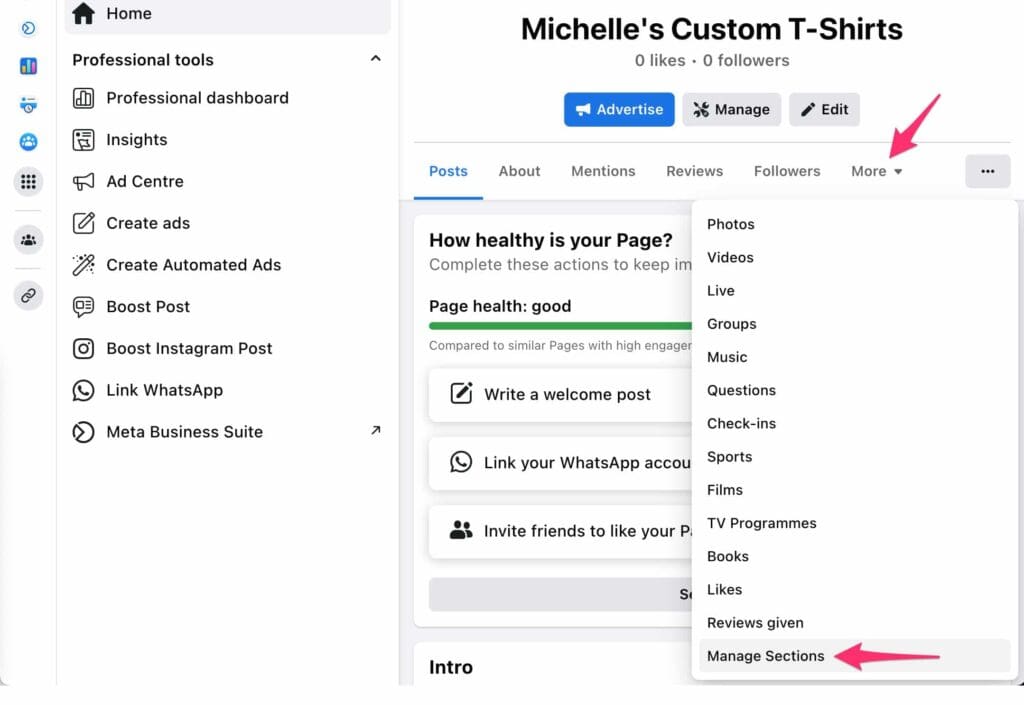
Use the Featured Photos section to show off your best work or promo graphics. Think of it as your page’s “highlight reel.”
Keep It Active
A ghost town business page is basically a digital “Closed” sign.
Post consistently — even just once or twice a week. Rotate between:
- Portfolio images
- Behind-the-scenes
- Client testimonials
- Quick tips
And here’s the fun part: I’m creating Canva templates for your Facebook Business Page posts so you can do this without spending hours staring at a blank screen.
Feel like this is alot?
Any time you invest in your business will pay off! That doesn’t mean its not tedious and frustrating! It’s your lucky day because I have created a quick and easy checklist for you with links to my canva templates to help you get started. Yes, I’m amazing. Follow me on my socials and sign up for my newsletter for more freebies and hacks for photographers!

View comments
+ Leave a comment